Every iOS developer who has tried Claude Code for testing hits the same wall. Claude can write XCTest cases. It can reason about your UI logic. But actually running your app, tapping through screens, and verifying what happens requires tools that Claude Code doesn’t have by default.
This post covers how to give it those tools and what autonomous iOS UI testing looks like in practice.
The problem
Native iOS testing has always been painful to automate. XCUITest works but requires test code that mirrors your production code and breaks whenever the UI changes. Playwright and similar tools don’t reach inside the iOS simulator. Raw xcrun simctl gives agents no visibility into what’s on screen.
When Claude Code tries to test an iOS app without proper tooling, it can build the app and run XCTest suites. What it can’t do is navigate screens, verify visual state, tap buttons by label, or see what actually happened. The loop is incomplete.
The fix
FlowDeck gives Claude Code direct access to the iOS simulator. Screenshot and accessibility tree in one command. Tap, swipe, scroll, type, assert. All structured JSON output the agent can act on immediately.
Install FlowDeck and add the skill pack for Claude Code:
curl -sSL https://flowdeck.studio/install.sh | sh
flowdeck -i
# Press A -> Install Skills -> Claude Code -> Global
Restart Claude Code. The skill pack teaches it which commands to use and when. You don’t need to document anything in CLAUDE.md.
What autonomous testing looks like
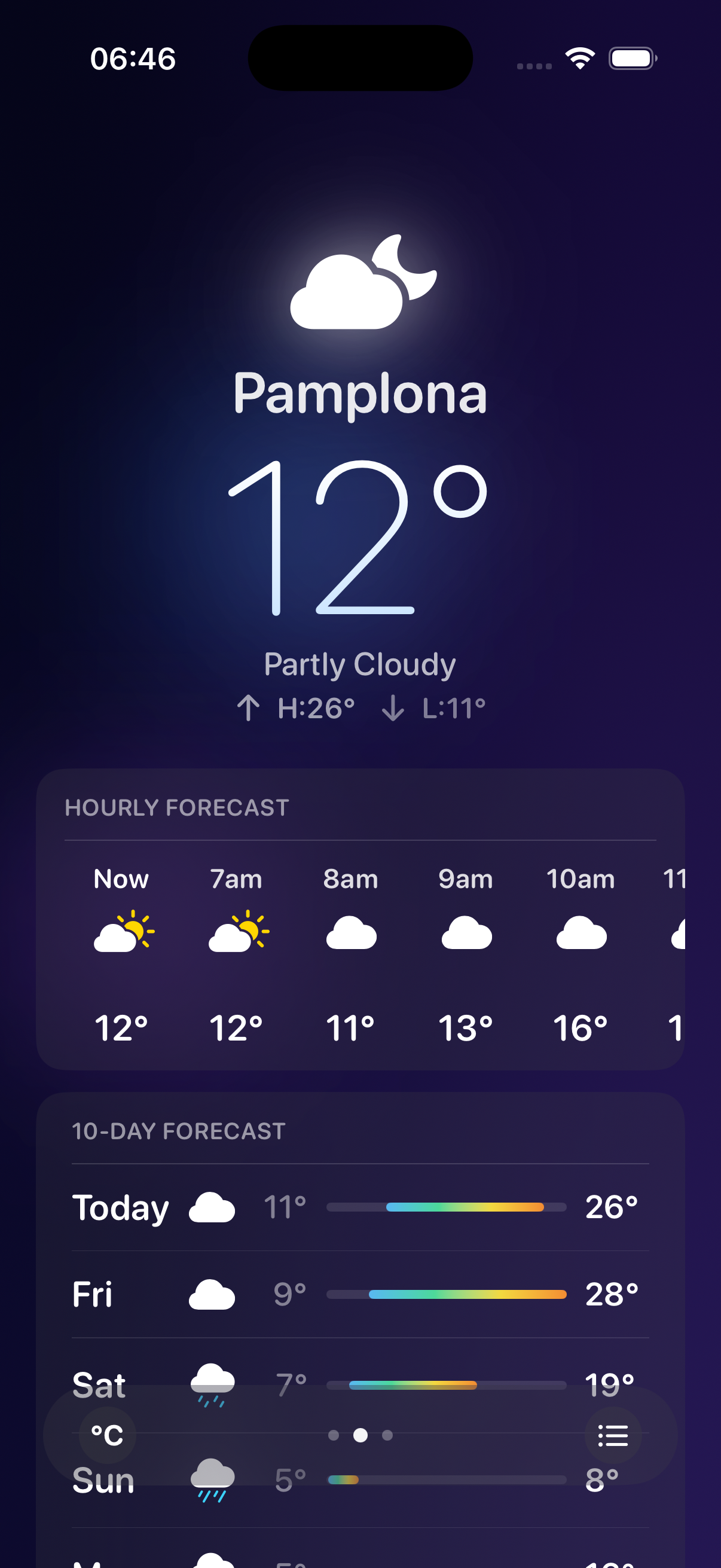
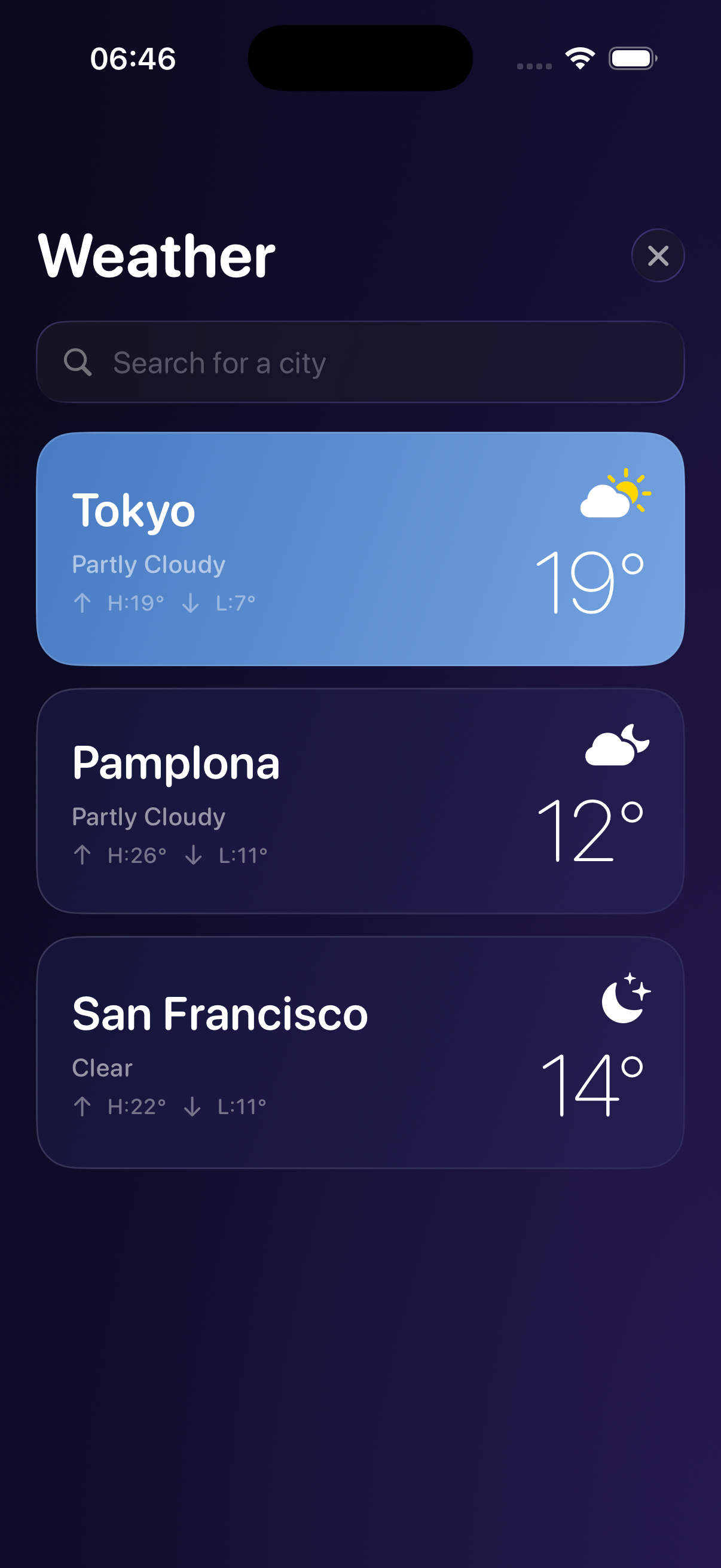
A weather app. Multiple cities, forecasts, add and remove locations. Simple enough to understand, complex enough to break.
One prompt:
Act as a QA engineer and test this application using FlowDeck UI
1. Review the design and layout of every single screen
2. Test all interactions and features
   - Get forecast for current city
   - Find cities
   - Add cities
   - Check forecast for multiple added cities
   - Remove city
3. Test UI stability, accuracy and reliability
4. Identify potential edge cases like malformed input, or misuse.
5. Fix every bug found
6. Create a summary report with results.
Then nothing. No more input required.
16 minutes later, here’s what Claude Code did:
Screen review. Every screen captured via flowdeck ui simulator screen --json, reviewed for layout issues and visual inconsistencies. Pass or fail with specific comments per screen.
Feature testing. Add city, remove city, check forecast, switch locations. Each flow tapped through end to end using flowdeck ui simulator tap, flowdeck ui simulator type, and flowdeck ui simulator swipe.
Bug found and fixed. City removal had an index bug. Remaining cities shifted to wrong positions after deletion. Claude Code found it, traced it to source, patched the code, verified the fix by running the flow again.
Edge cases. Malformed input, rapid additions and removals, back-to-back location switches. The testing that gets skipped because nobody has time to do it manually.
UX observation. Celsius metric display wasn’t what Celsius users would expect. Flagged in the report, not forced as a fix.
Summary report. Full rundown delivered at the end: screens reviewed, features tested, bugs fixed, observations noted.
How Claude Code sees the simulator
The key commands in that session:
flowdeck ui simulator screen --json     # screenshot + accessibility tree
flowdeck ui simulator tap "Add City"    # tap by label
flowdeck ui simulator type "London"     # type into focused field
flowdeck ui simulator swipe up          # scroll
flowdeck ui simulator assert visible "London"  # verify element exists
flowdeck logs [app-id]                  # runtime output, live
Claude Code reads the accessibility tree to find elements by label, not coordinates. That means it survives UI changes and works across screen sizes. When it taps something, it reads the updated tree to confirm what happened. When something goes wrong, it checks the logs.
That’s the loop: see, act, verify, repeat.
Why this is different from XCUITest
XCUITest requires you to write test code that mirrors your production code. Every UI change breaks tests. Maintaining a large XCUITest suite is a job in itself.
This is different. You describe what to test in plain language. Claude Code figures out the navigation, the assertions, and the fixes. When the UI changes, the prompt stays the same.
It’s not a replacement for unit tests or critical path XCUITest coverage. It’s the exploratory pass that never happens because nobody has time – the “does this actually work end to end” sweep that catches the bugs that slip through.
Now it takes one prompt and 16 minutes.
Watch it
Try it
curl -sSL https://flowdeck.studio/install.sh | sh
Install the skill pack, paste the prompt, go grab a coffee.
Start your free trial – $59/yr after trial.
Further reading
Daniel Bernal, @afterxleep